 scanlayer
Turn any scan or
phone photo into a
searchable document.
scanlayer runs a scanned image or photograph through OCR and produces a PDF with an invisible, selectable text layer over the original page, or exports the raw OCR result as text, JSON, TSV, or hOCR. One CLI, one Python library, no cloud service, runs on Windows, macOS, and Linux.
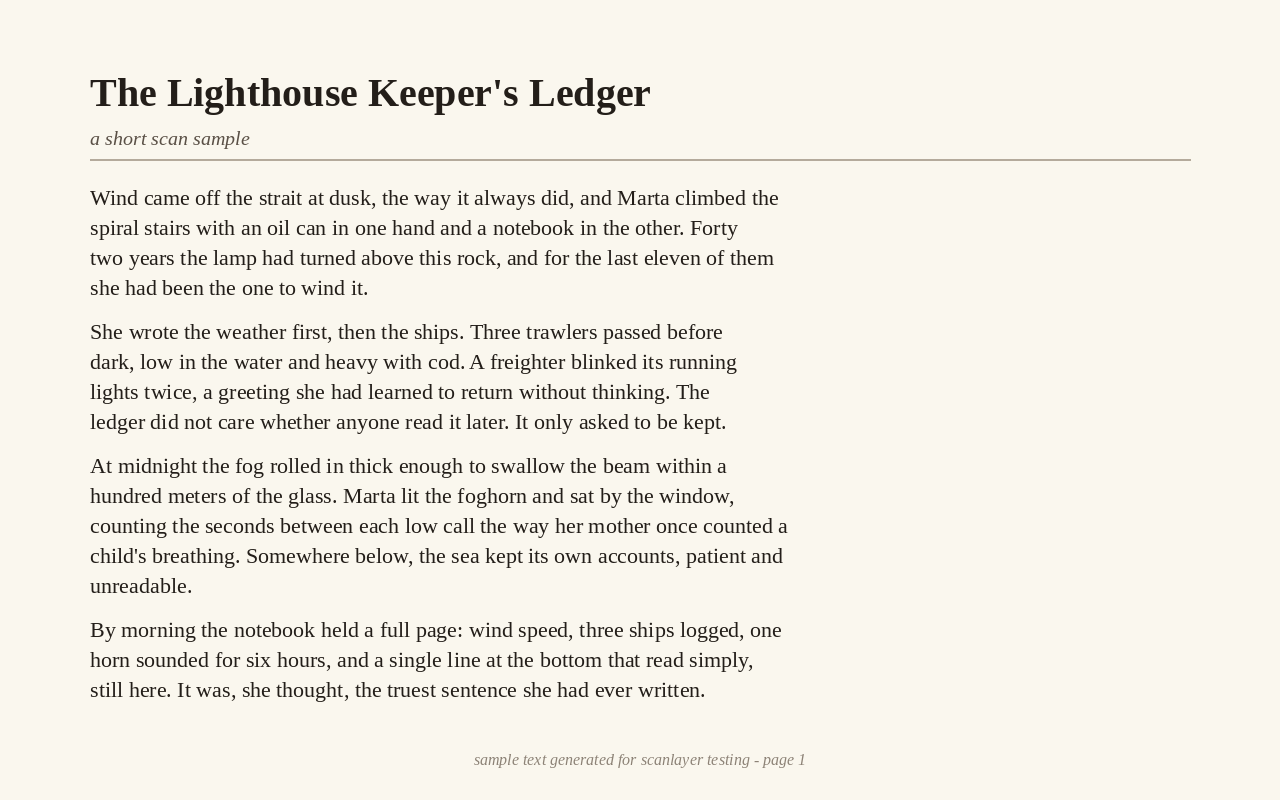
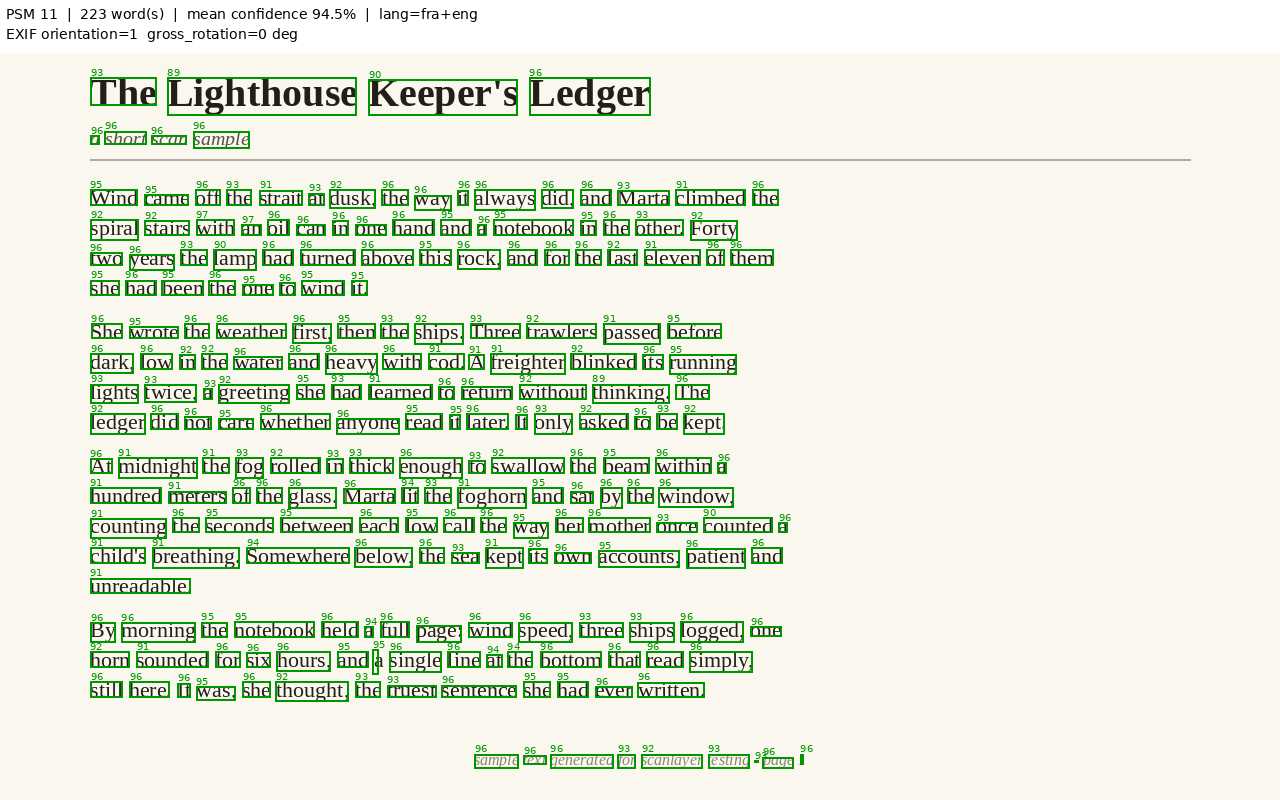
Preprocess
EXIF fix, deskew, denoise, illumination correction, blank-page check.
OCR
Tesseract across several page segmentation modes, best-confidence pass wins.
Reading order
Geometric multi-column reconstruction, independent of Tesseract's own block numbering.
Output
Searchable PDF, or a raw txt / json / tsv / hocr export.
From a scan to a searchable PDF
Install scanlayer and Tesseract
One pip install for the library, one line to get Tesseract on your OS. See Installation for the per-OS command.
Run the conversion
One command, one function call, same engine either way.
pip install scanlayer
scanlayer invoice.jpg -o invoice.pdfGet a searchable PDF back
An invisible, selectable text layer over your original scan, or export raw text, JSON, TSV, or hOCR instead with --format.
Quick start
The exact same conversion, run two ways. Everything the CLI flag does maps one-to-one onto a keyword argument, see Examples for the two put side by side across every feature.
# standard install (adds the `scanlayer` command)
pip install scanlayer
scanlayer invoice.jpg -o invoice.pdf

# or run from a source checkout with no install, e.g. to contribute
pip install -r requirements.txt
python -m scanlayer invoice.jpg -o invoice.pdfimport scanlayer
result = scanlayer.convert("invoice.jpg", "invoice.pdf")
print(result.words_count, result.mean_confidence)What it does
Full feature catalog →Two interfaces, one engine
Every capability is available from the scanlayer command and from import scanlayer: the CLI is a thin wrapper over the exact same convert() pipeline.
Four export formats besides PDF
Skip the PDF entirely and get txt, json, tsv, or hocr straight from the OCR pass with --format.
Real multi-column reading order
Two-column reports and letters are reconstructed geometrically, not read column-by-line the way raw Tesseract output is.
Batch, merge, and native PDF input
Convert a folder of mixed images and PDFs in one call, or merge several pages into a single multi-page searchable PDF.
One configuration surface
configure(), a JSON/YAML profile, or CLI flags, using the same keys, documented precedence, unknown keys rejected loudly.
A debug overlay for every run
--debug-image draws every detected word, color-coded by confidence, so a bad OCR result is diagnosable in seconds.
Which page do I want?
| Situation | What to reach for |
|---|---|
| Convert one scanned invoice to a searchable PDF | convert() / scanlayer file.jpg -o file.pdf |
| Convert a folder of scans, some might fail | convert_batch() / scanlayer *.jpg -o ./out/ |
| Combine several photographed pages into one PDF | convert_merge() / --merge |
| You only need the text, not a PDF | output_format="txt" / --format txt |
| OCR looks wrong and you don't know why | --debug-image |
| Embedding scanlayer in a packaged desktop app | Bundling Tesseract |
Contents of this repository
| Path | What's in it |
|---|---|
scanlayer/ | The library + CLI source. |
README.md | Install instructions and a five-minute quick start. |
CONTRIBUTING.md | How to set up a dev environment and submit a change. |
LICENSE.md | MIT. |